
Ask one answerable question
Does the guard believe the explanation? Is another route available? Does the merchant have the item? Check established facts and applicable rules before rolling.
Ask clearly. Keep the scene moving.
Resolve a tabletop unknown with a question, chosen likelihood and six possible answer bands. Review the detail, consequence and next beat, then make the ruling your scene needs.

An oracle for an unknown
Use it when the fiction leaves a yes-or-no question open. Choose odds yourself and interpret authored prompts against your campaign.
Does the guard believe the explanation? Is another route available? Does the merchant have the item? Check established facts and applicable rules before rolling.
Use a preset or slider to frame the unknown. The tool does not read your question, context or helpful and harmful factors to calculate the odds.
Review the answer band, detail, consequence and suggested next beat. A qualified answer can supply a cost or an opening you adapt into play.
Choose what fits the people, setting and rules in use. Authored prompts do not enforce consistency, decide player actions or automatically alter a scene.

Frame the uncertainty
Separate what you already know from the one question that remains open.
This artwork illustrates judgement and uncertainty, not an application screen.
One question to one ruling
The Decide tab brings likelihood, narrative lenses and a result together. There are no separate Quick or Deep modes.
Enter a yes-or-no uncertainty. Optional context is stored with the result, but it is not analysed to create bespoke prose or change the odds.
Set likelihood with a preset or slider. Choose tone, stakes and pressure for the detail, consequence and next beat you want to review.
Read the answer, roll and outcome-band display. Decide whether the prompt fits established facts, and adapt or reject suggestions that do not.
Use field locks when rerolling, or Save a complete result locally. Reopen an accepted answer yourself when that question returns; the tool does not look it up automatically.
What the tool provides
Eight capabilities support odds, narrative prompts, selective rerolls and local reference.
Frame a yes-or-no question about an unknown in your tabletop scene. Decide what is already established before asking the oracle.
Choose a starting likelihood of 5, 25, 50, 75 or 95, or use the 0–100 slider. The chosen setting feeds the oracle’s outcome thresholds.
Receive exceptional yes, yes, yes with a complication, no with an opening, no or exceptional no, with the roll and an outcome-band display.
Choose one of six tones for detail and four stakes levels for a suggested next beat. These shape authored prose rather than change the answer odds.
Choose cost, delay, danger, information or relationship, or let Any select a category. Review the suggested consequence and the category used.
Hold the answer and roll, detail, consequence or next beat while rerolling other fields. Check retained text against any new question, odds or lens.
Manually save a complete ruling on this Windows installation. Reopen a saved result or delete its local record from the Saved tab.
See recent ruling summaries while the window remains open. Start Here and How Do I guidance cover odds, lenses, locks and saving.
Across the answer spectrum
Bands range from exceptional yes to exceptional no. Available windows vary with your likelihood setting; the graphic is a guide to the result.
Exceptional yes adds an authored benefit when consequence is not held. Plain yes states that there is no added cost beyond the fiction already established.
A favourable answer can come with cost, delay, danger, information or a relationship consequence. Choose how that generic prompt applies to the scene.
The unfavourable answer includes a benefit as its detail when that field is not held. Read its separate consequence and next beat before deciding what follows.
Use a negative answer or a worse-than-expected result as a direction for judgement. Review suggested consequences and follow-up against your group’s choices and boundaries.

From an answer to a response
Read what happened, what it costs and the suggested next beat together.
This illustration shows fantasy uncertainty and a ruling, not generated application output.
Reroll selected fields
Four independent locks preserve current fields verbatim. Retained material is not reconciled with changed odds, questions or lenses.
The answer lock keeps both the answer band and original roll. If you change likelihood, the new band display can differ from that retained answer. Review or clear the lock when adjusting odds.
Keep one of these fields while rerolling the others. Held prose may conflict with a new verdict or pressure category, including an earlier cost beside a new plain yes.
Choose six tones, four stakes levels and five pressure categories, or Any pressure. These select finite authored passages rather than alter the answer chance or understand the context.
The current window shows recent answer and question summaries. They clear on close and are not a restore or undo control. Each roll uses a new random seed; there is no seed-entry or replay control.
Local reference and deliberate review
Paid access uses your VISINVOKE account. The current product’s saved rulings are local records on this Windows installation.
Each Save creates a new record containing the full generated result. Saved rulings do not synchronise through your account, and there is no autosave or version history.
Reopen the result, question and likelihood. Other controls remain current; a saved likelihood of 0 reopens at 50. Review the setup and locks before rerolling. Delete removes the selected local record.
The Impossible preset means 5, and even a slider value of 0 can produce exceptional yes under the oracle’s early band rule. The likelihood setting is an input threshold, not a guarantee or independently verified probability chart.
There is no direct Combat PRO transfer or campaign synchronisation. The interface has no copy, export, import, print or separate player-view control. Review any sensitive question or context before showing the result.
Choose access for your toolkit
Decision Engine is a paid standalone tool. Create a free account first, then review your selection and subscription.
Select Decision Engine individually. Creating a free account does not by itself include paid generator access.
Choose a five-generator pack for other eligible standalone tools alongside this one. It provides selection capacity, not automatic access to every VISINVOKE product.
Review larger selected-generator packs in your account. Check the generators, subscription and reselection terms before choosing your toolkit.
Combat PRO, Battlemaps and image systems have their own access models. Standalone generator subscriptions do not include image or animation credits.

Use a precise question after considering what your group already knows.
Choose the odds and decide what a generic answer means in this particular scene.
Start Here and How Do I help cover questions, likelihood, lenses, locks and local saving.
Apply the accepted ruling yourself. The oracle does not enforce facts, fairness or player responses.
Build your tabletop toolkit
Each card opens that product’s website. Review purpose and access separately; related products do not promise included access or automatic synchronisation.

Discover and open your supported Windows products through one connected VISINVOKE account.

Explore environment packs for tactical locations and the places your encounters unfold.
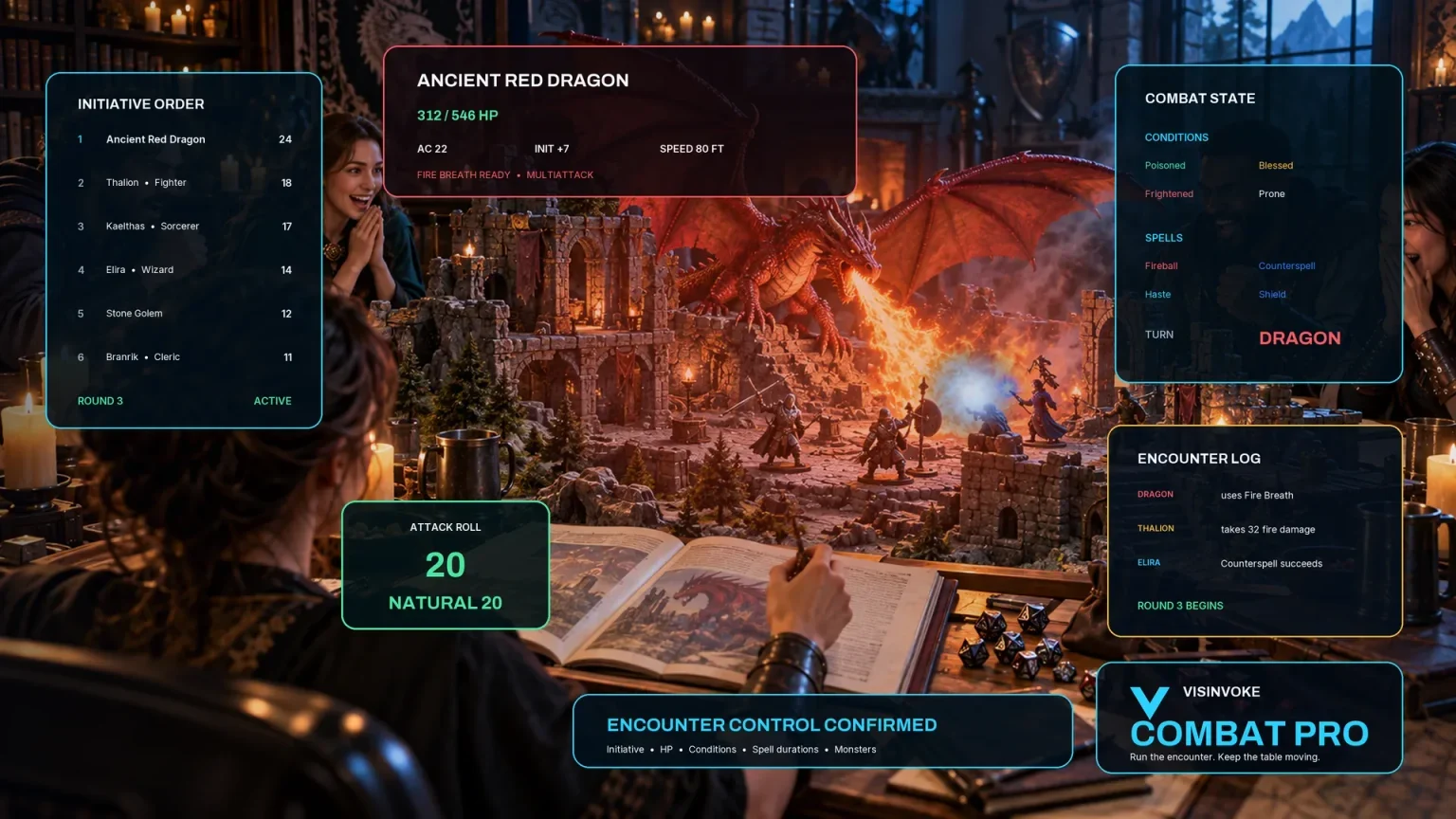
Review prepared opposition, tune creature statistics and run tabletop encounters with its own access.

Create focused character, monster, item and location images to complement your tabletop preparation.

Create guided commercial visuals for websites, brochures and wider creative projects.

Explore a separate futuristic RPG experience with its own world, characters and progression.
Product artwork illustrates fantasy uncertainty and rulings, not application screens or actual generated image output.
Quick answers
Understand the oracle’s band rules, review boundaries and persistence before opening the tool.
Decision Engine is a yes-or-no oracle. You set the likelihood and interpret a seeded roll against six authored answer bands. The question and optional context are stored as reference text; they do not get analysed to calculate odds or rewrite the prose. There is no multiple-outcome editor, automatic factor weighting, facts checker or player-choice automation. Review the answer against your setting and rules.
No. The Impossible preset sets a likelihood of 5. The oracle also gives exceptional yes an early outcome window, so even a setting of 0 can produce exceptional yes. A setting of 100 produces favourable answers. The displayed likelihood is an input to this band system, not a universal probability judgement about the fictional situation. Treat the band graphic as a guide rather than an independently exact probability chart.
They choose authored detail, consequence and next-beat text; they do not change the answer threshold. Tone offers neutral, hopeful, tense, dark, heroic or uncanny detail. Stakes offers low, meaningful, high or critical next beats. Pressure chooses cost, delay, danger, information or relationship. Without a held consequence, exceptional yes receives a benefit and plain yes has no added cost; no with an opening receives a benefit as its detail.
The four locks hold the current answer and roll, detail, consequence or next beat verbatim. Other fields use the new request, so changing likelihood can leave a held answer outside the newly displayed bands, and held prose can conflict with a new answer or lens. Clear or review locks before an unrelated question. Each click creates a new random seed; the interface has no seed-entry or replay control. Reopen a saved ruling when you want that established answer again.
Save writes a new local record on this Windows installation each time. The record includes the complete generated result, but there is no account synchronisation, autosave or version history. Open restores the result, question and likelihood while leaving context, tone, stakes, pressure and locks as they are. A saved likelihood of 0 reopens with the slider at 50; review before rerolling. Recent session summaries clear when the window closes.
The current interface provides Save, Open and Delete, with no copy, download, import or print control and no direct Combat PRO handoff. You can read and apply an accepted ruling manually at the table. It does not update encounters, characters, clocks or campaign state, automatically look up a previous answer to the same question, or create a separate player audience view.
Continue in VISINVOKE
Create a free VISINVOKE account and choose the required generator access.
Get Desktop Command Centre from your account installer page. Sign in on Windows, then open Decision Engine.